Social Impact
18 February 2021



 Link copied to clipboard
When you’re going to the grocery store. When you’re traveling. When you’re doing chores around the house. You use checklists all the time. So why not use a checklist to enhance your Netflix experience?
We updated our parental controls last year, so that parents can make the right viewing decisions for their families and so we can entertain and delight every member of the family. We want your preschooler to be able to enjoy Mighty Little Bheem while you catch up on Money Heist.
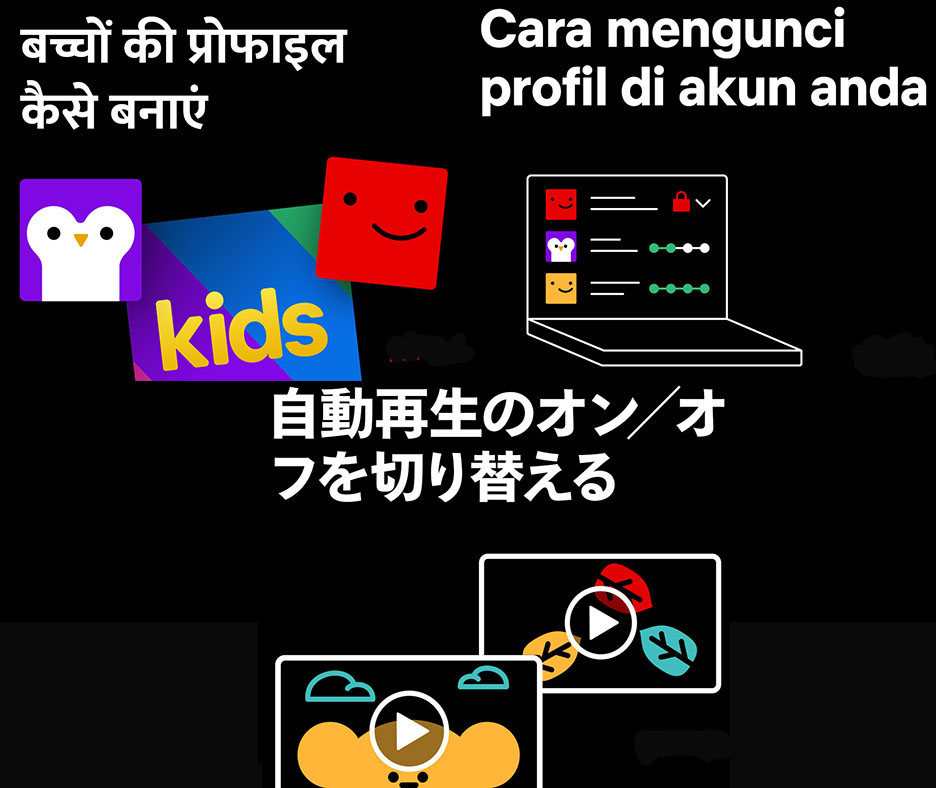
There’s no one kind of family and we want to continue making it easier for parents to learn and use these tools. So we’ve created new, shareable illustrations of the Netflix service in Bahasa Indonesia, Malay, Hindi, Japanese, Korean, Thai and Vietnamese to provide step-by-step guides that educate our members. These graphics share more about our parental controls including:
How to set up a kids profile
How to choose maturity ratings or block specific series and films
How to lock profiles on your account using a protected PIN
How to turn autoplay on or off
How to access viewing history for a children’s profile
Choice and control have always been important to our members, and important to us at Netflix. We’ve worked hard to make our parental controls easy and efficient, and we want our members to feel equipped to use them to make the best choices for their families.
Click here to download our parental controls graphics and checklists.